Filled in from scanned work
Phil-IRICRLAMastery Radar
Paper Portal: in validation
Find the gap
The camera scans handwritten math and reading responses and fills in Phil-IRI and CRLA diagnostic inventories, so teachers see who needs help and where.
Features and DepEd alignment
Each feature answers a problem EDCOM II named, from learning poverty to schools without power. Anti-bullying tools put trained adults first, the AI Tutor and AI Proctor leave decisions with teachers, and every feature maps to a DepEd program.
Student safety and cyberbullying
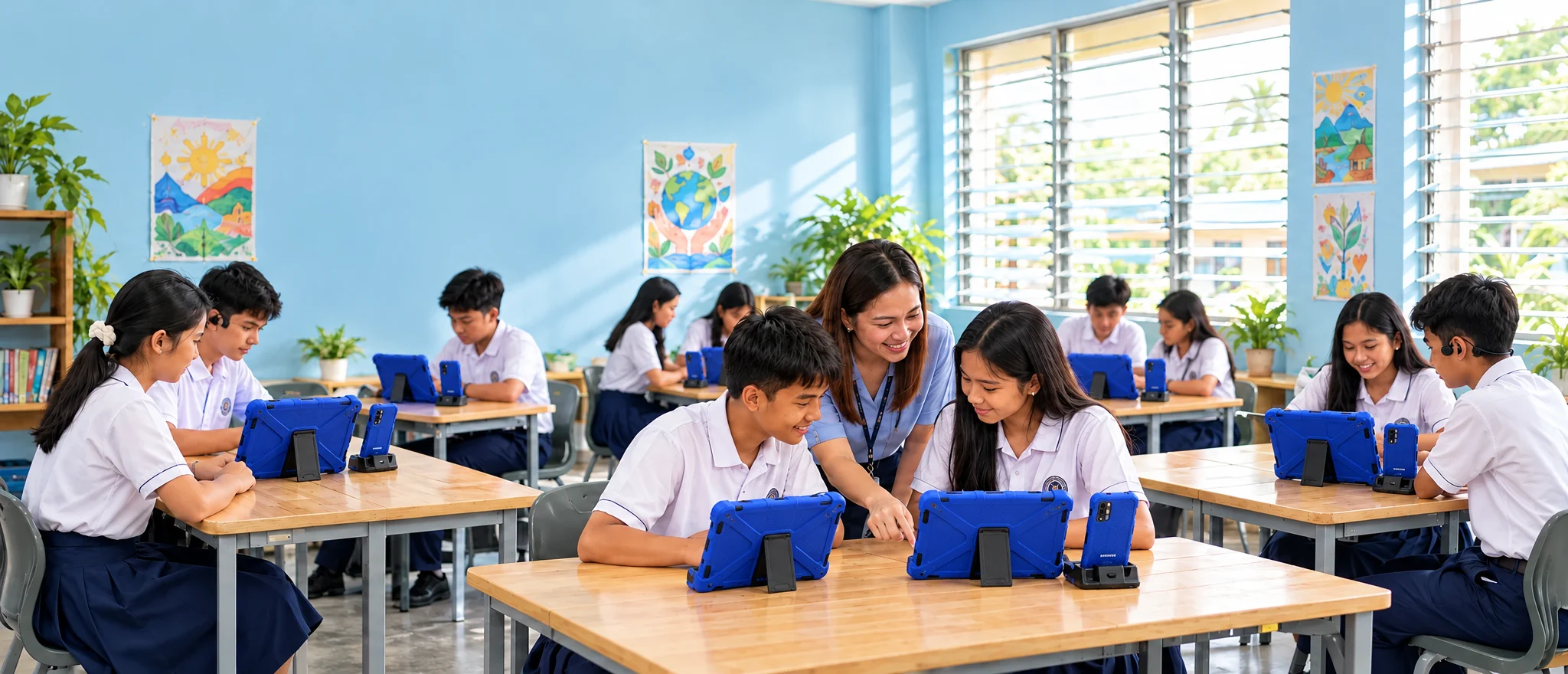
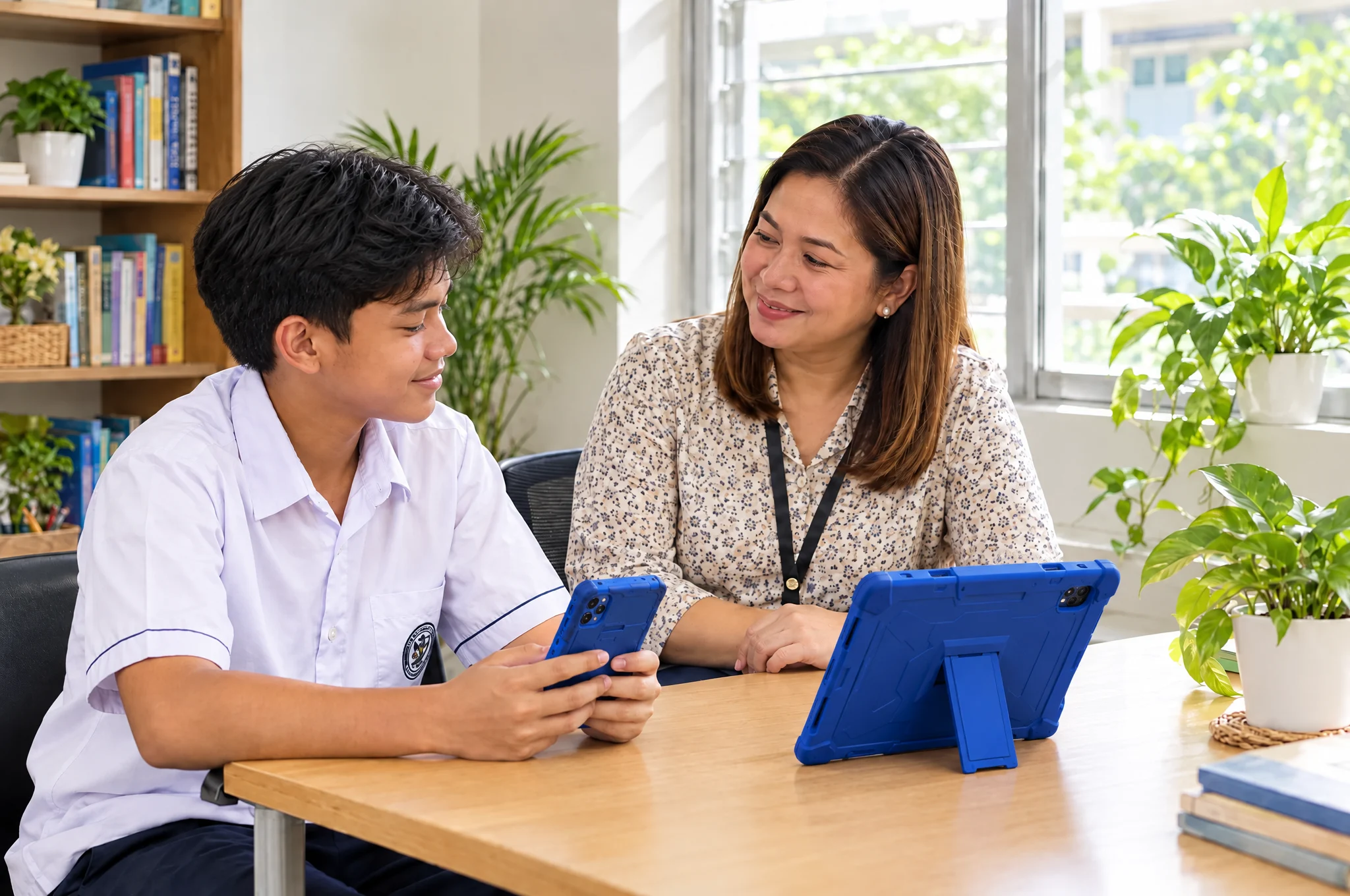
Safety tools follow a Six-Stage Safeguarding procedure anchored in DepEd Memorandum No. 090, s. 2025, the Anti-Bullying Act IRR. The software organizes the work. People make every safety decision.
Your safety report
PendingSaved on this device. It sends automatically when a signal returns. Need help now? Go to your School Protection Lead.
Six-Stage Safeguarding procedure
Offer a discreet digital report form beside an in-person option. Explain who can see the report, and show Submitted, Pending or Undelivered status accurately.
Socratic Pause can prompt a learner before a hurtful message sends, but software cannot establish intent, guilt or peer context.
Before a hurtful message or slur in Tagalog, Taglish, Hiligaynon, Kinaray-a or Cebuano is sent, the on-device classifier stops it and asks the learner to rethink.
“Socratic Pause: Your message seems hurtful. Take a breath and rephrase.”
When two students keep trading hostile messages, their thread pauses and both move to a guided reflection space to de-escalate before it spills into the schoolyard.
Image and avatar uploads are checked on the device. Deepfakes and explicit media are quarantined locally, with no cloud exposure.
Says plainly that it is an AI, guides breathing exercises and mood journaling, and connects learners with a human guidance counselor.
Screens by program
Screens for DSWD 4Ps families, health and nutrition, safe social spaces that keep out radicalizing content, disaster readiness, and values and rights.
Opens the SAFERSCHOOL demo app in a new tab.
Parent and 4Ps household hub
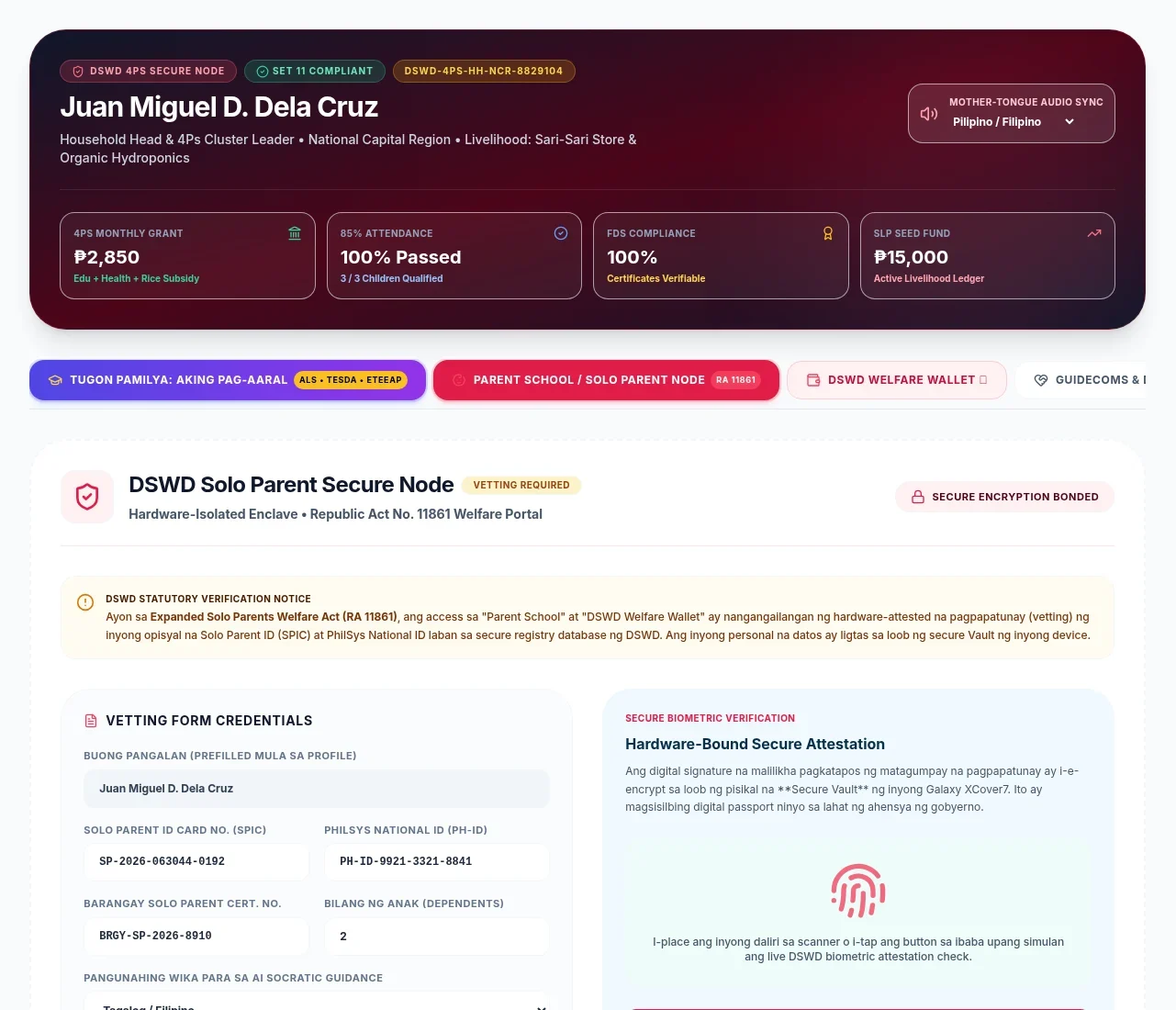
One household view of the 4Ps grant, the children's attendance, Family Development Session compliance and the livelihood seed fund, with mother-tongue audio.
AI Tutor
Google Gemini Nano and LearnLM run on the phone itself, so tutoring works without internet. The tutor reads only DepEd-approved sources and supports remedial work under the ARAL Program Act.
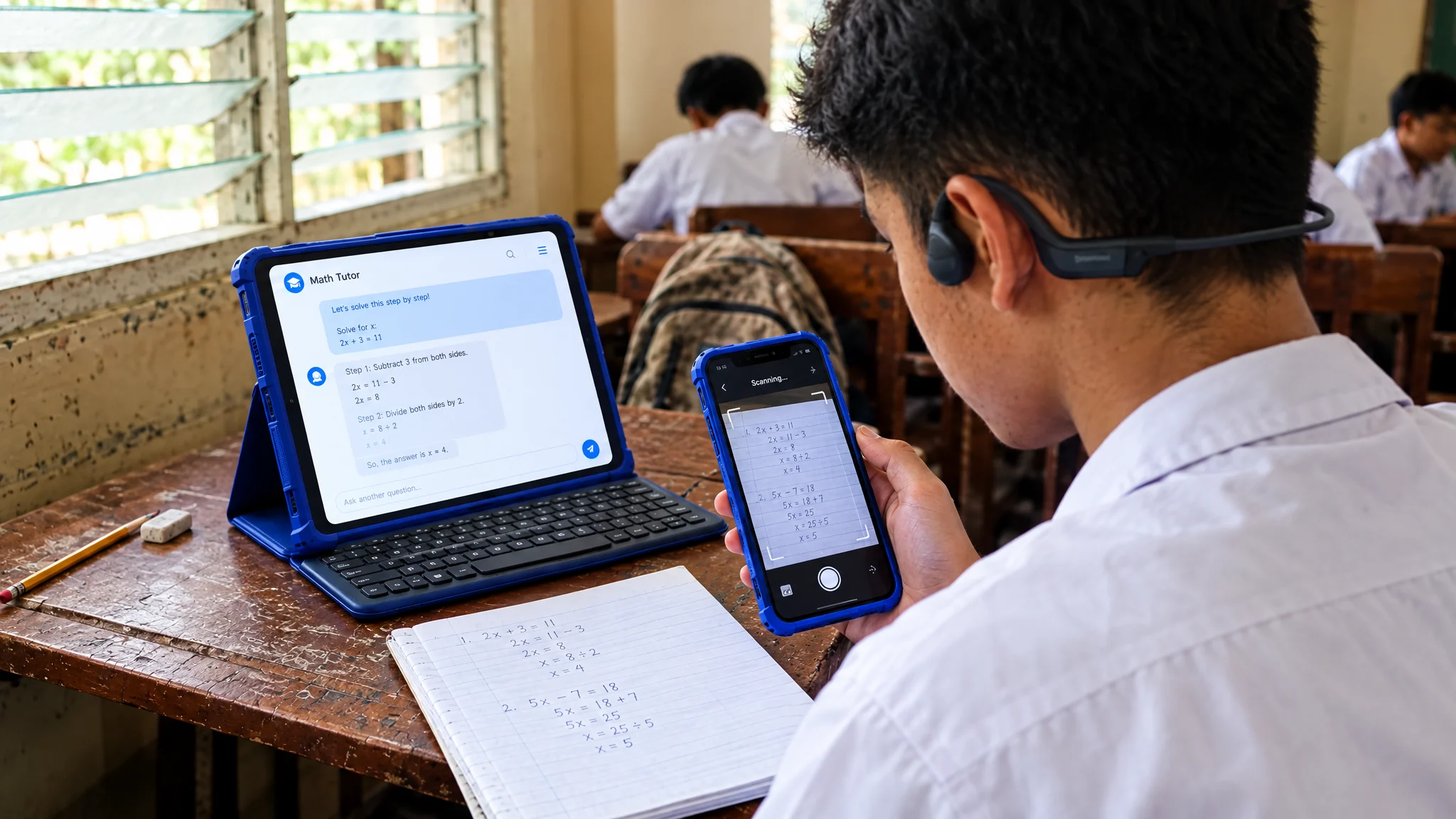
[SOURCE: MATATAG Grade 10 Science Module 3, p. 14]
Every explanation cites the textbook and page. Outside vetted texts, the tutor abstains and points back to the lesson.
Filled in from scanned work
The camera scans handwritten math and reading responses and fills in Phil-IRI and CRLA diagnostic inventories, so teachers see who needs help and where.
Hint • Line 3
“Suggestion: Check your sign change on Line 3—did you apply the distributive property to the negative term?”
The tutor withholds direct answers and scaffolds each step, in line with ARAL. Teachers can escalate when a learner stays stuck.
Decodable stories in
Decodable phonics and local stories are generated on the device, plus flashcards, quizzes and read-aloud audio from the textbook chapter.
AI Proctor
The AI Proctor follows DepEd Order No. 003, s. 2026 on AI in basic education. It secures the exam and organizes what happened. Teachers keep every grading and disciplinary decision.
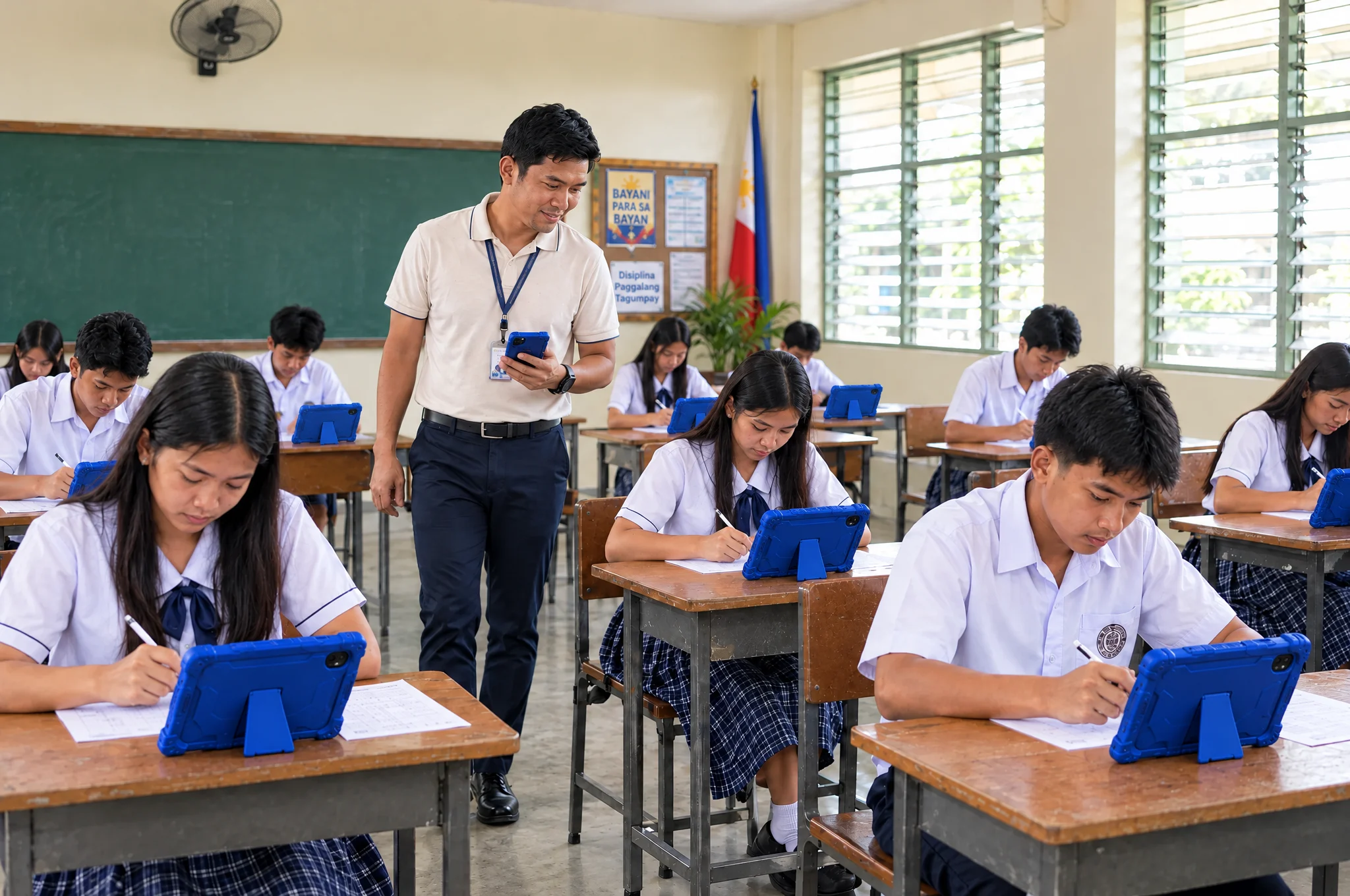
If a student pastes a large block of text during an open-book composition, submission locks until they write out or diagram their summary on paper or with the S Pen.
Camera and microphone signals are read on the device in volatile memory and purged within 500 milliseconds. Nothing is recorded or uploaded. Only an anomaly flag reaches the teacher, who reviews it in context and makes the call.
What makes it different
MATATAG modules and the AI live on the device, not in the cloud, so learning keeps going when the power and the towers go down.

88%
of daily learning AI tasks run on the device, offline
For DO 014, s. 2026 4H continuity, the kit shifts from in-person to remote learning in the HAYO / HINTO transition. Pre-cached modules and recovery schedules switch on during typhoon closures, powered by solar or a hand crank.
Offline peer-to-peer Bluetooth mesh lets students signal distress in disaster zones with no cellular signal. Tactical Blackout darkens and mutes every screen so hiding students stay hidden.
Smart and Globe both run on every device, and Starlink Direct to Cell through Globe adds satellite coverage, for 24/7 connectivity.
Scores and reports queue on the device and sync in compressed 2 MB chunks whenever a signal appears, with clear pending status.
P-Buddy reads worksheets, graphs and blackboards aloud in the learner’s mother tongue, with voice-led proofs for learners with motor disabilities.
Augmented reality in every kit
Every 8-in-1 kit includes the MagiMask AR visor and MagiTools. The phone slides in and becomes a full-screen AR headset, so a field trip, a science lab or a 3D model is available wherever the learner is, even with no road, no museum and no internet nearby.
Visit a museum from an island classroom
Step through a portal into a virtual world and walk around exhibits that would otherwise be a boat ride and a long trip away.
Walk around a 3D model
Planets, cells, molecules and machines appear full screen and in high definition, and learners can move around them from every angle.
Hold the lesson in your hands
MagiTools trackers, the Magic Tile and Magic Dice, keep models steady on any desk and let learners turn and move them in real time.
Hands-free labs and trade training
Run 3D science labs and TESDA NC II trade practice with both hands free.
Dual use
The same kit serves two generations. A child learns on it during school hours, then a parent signs in to an adult profile in the evening.
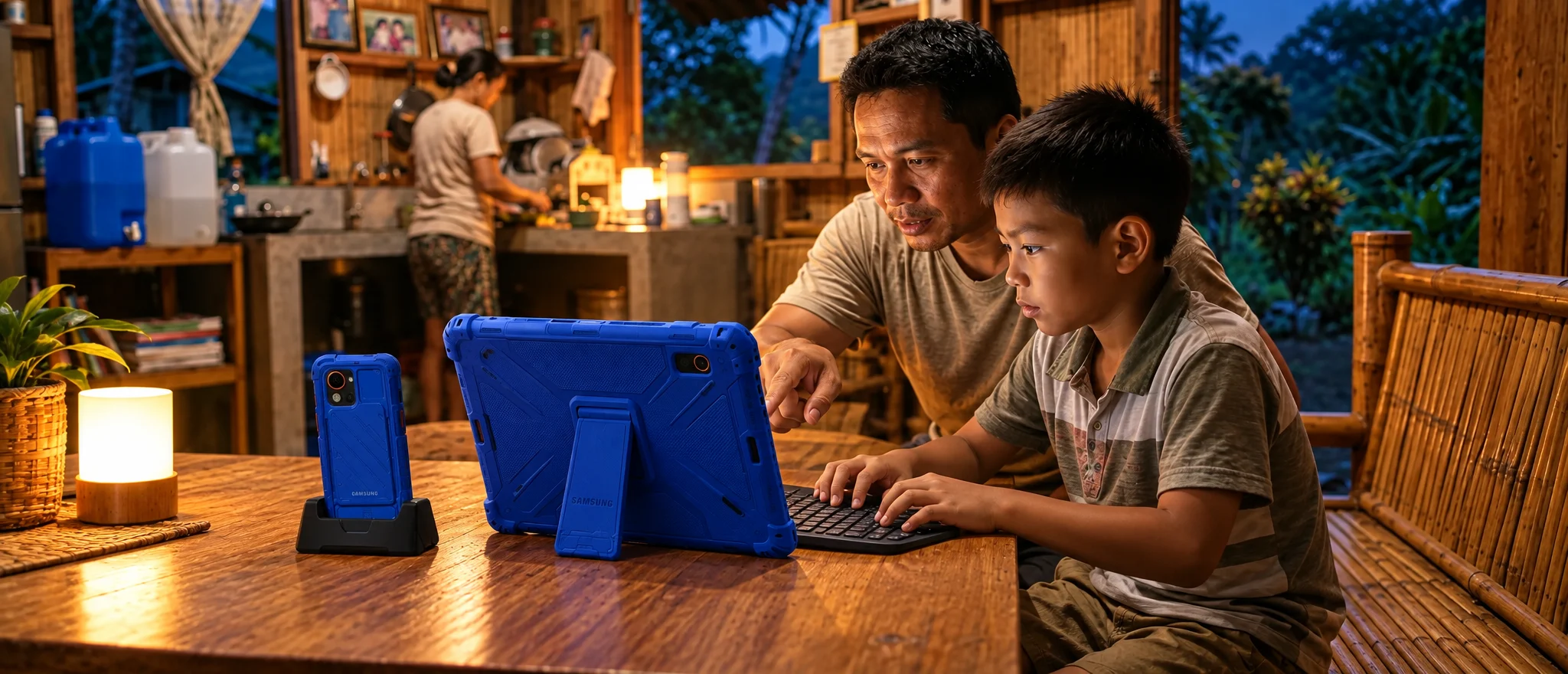
Offline Socratic homework help under the ARAL Act, Knox-secured assessments and the full MATATAG library.
Parents switch to their own profile for TESDA NC II training through P-Craft, DepEd ALS and night-school courses, and DSWD 4Ps Family Development Sessions.
Samsung DeX docks the XCover7 Pro into the 13.1-inch touch slate, so one device works as a full desktop for lesson planning and grading.
DepEd alignment
Each program lists the features that support it and the safeguard that keeps people in charge.
R.A. 12028
Gives ARAL tutors and teachers diagnostic mastery profiles, MATATAG-aligned remediation modules and guided practice.
No automatic promotion. AI scores never replace teacher judgment.
MATATAG, Phil-IRI and CRLA
Scans handwritten work and reading responses into Phil-IRI and CRLA inventories, and cites MATATAG modules by page in every tutor answer.
Teachers validate how assessments map to competencies.
DO 016, s. 2026
Drafts lesson plans and rubrics from MATATAG competencies with AI transparency disclosures, and compiles School Forms SF 1 to SF 10.
Every lesson plan needs teacher approval before release.
DO 40, s. 2012
Keeps a timestamped, signed ledger of classroom management actions for each teacher.
Uses non-recording sound-level data, never audio recordings.
DM 090, s. 2025
Runs confidential reporting, triage, the escalation roster and case management through the Six-Stage Safeguarding procedure.
The software supports the school’s child-protection duty. It never takes it over.
R.A. 12080
Ms. Hope offers first-aid support in Tagalog, Hiligaynon, Cebuano, Kinaray-a and Ilokano, and routes learners to human counselors.
Ms. Hope says it is an AI and never claims to be a therapist.
DO 003, s. 2026
Requires review before the AI Tutor and AI Proctor switch on, with human oversight, curriculum grounding and age suitability.
Exam anomaly signals stay on the device, are purged within 500 ms and never recorded. A teacher confirms every flag.
DO 014, s. 2026
Keeps core MATATAG lessons, Kolibri resources, on-device tutoring and local assessments running through internet and power outages.
Reports saved offline show as pending until delivered, never as sent.
R.A. 10173
Keeps learning analytics, child-protection records and device registries cryptographically separate.
A Privacy Impact Assessment comes before any minor learner data is processed.
The platform also supports NatPlan 2026–2035 priority areas, including early childhood development, functional literacy, critical thinking and digital skills, inclusive learning, and access to tertiary education.

Request a briefing with SAFERCOMS Inc. to walk through student safety, the AI Tutor, the AI Proctor and how each maps to DepEd programs.